AI Workers
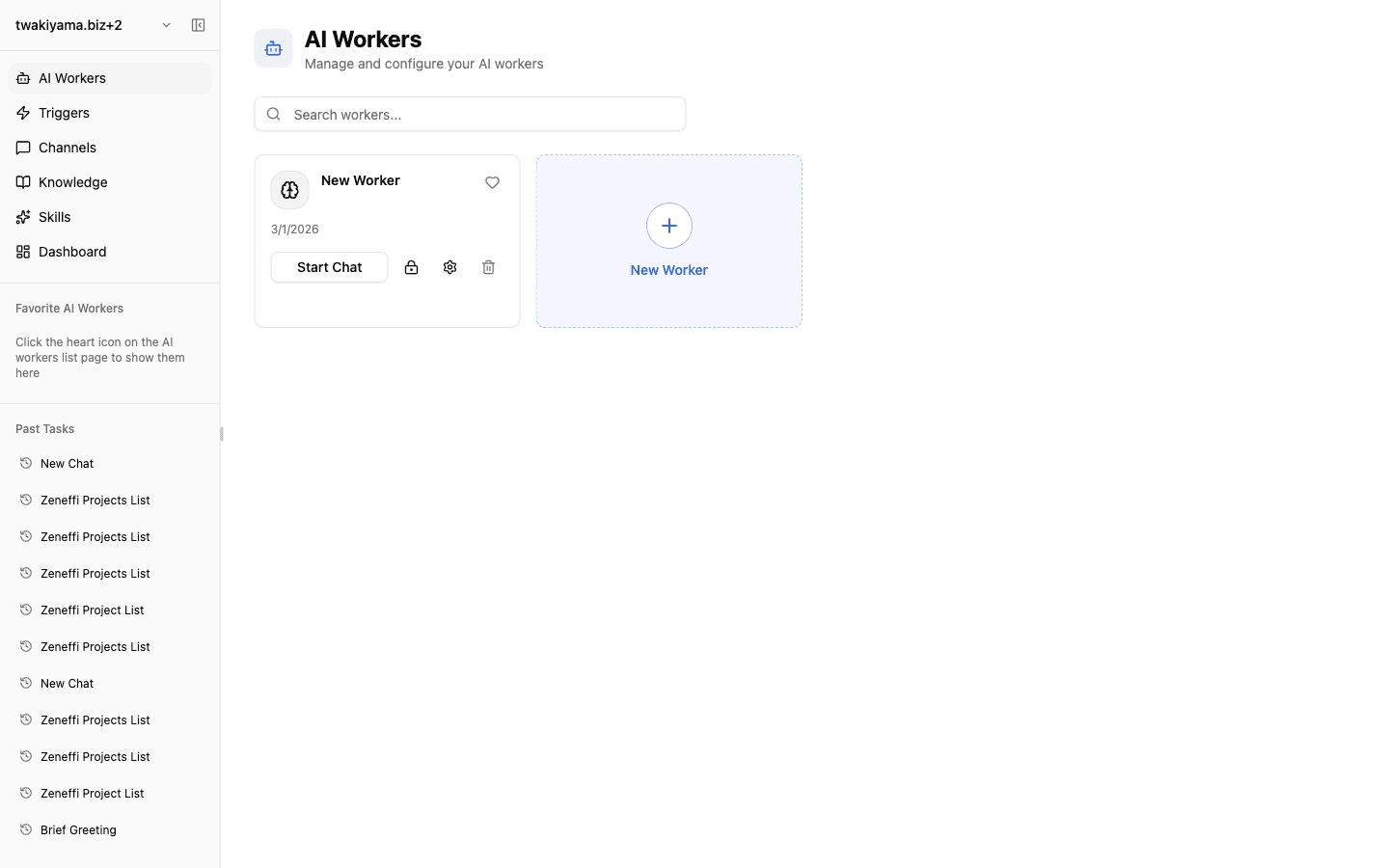
An AI worker is the operating unit dedicated to a specific business task. In Zemu, each worker is shaped by five elements — Instructions, Skills, Integrations, Triggers, and API. Two things tend to trip people up first: knowledge has no tab in the worker-config screen and is reached through a skill, and the same worker behaves differently depending on which entry point (chat, trigger, or inbound channel) launches it.
Overview
Understand the five worker-config tabs (Instructions / Skills / Integrations / Triggers / API), why Knowledge is missing from those tabs, the three ways a worker can be launched, and the trigger execution-method toggle.
Basics
What the config tabs really mean (and why Knowledge is missing)
The worker-config sidebar has only five tabs: Instructions, Skills, Integrations, Triggers, and API. There is no Knowledge tab. That is because Zemu's knowledge tree is a team-wide shared pool, not something assigned per worker.
To let a worker reference knowledge, enable a knowledge-aware built-in skill (such as knowledge-manager) on the Skills tab — the worker accesses knowledge through that skill. You cannot scope knowledge to a single worker; access is controlled by the folder structure and naming inside the shared knowledge tree.
Responsibilities of each tab:
- Instructions: the worker's role, tone, output format, and prohibitions
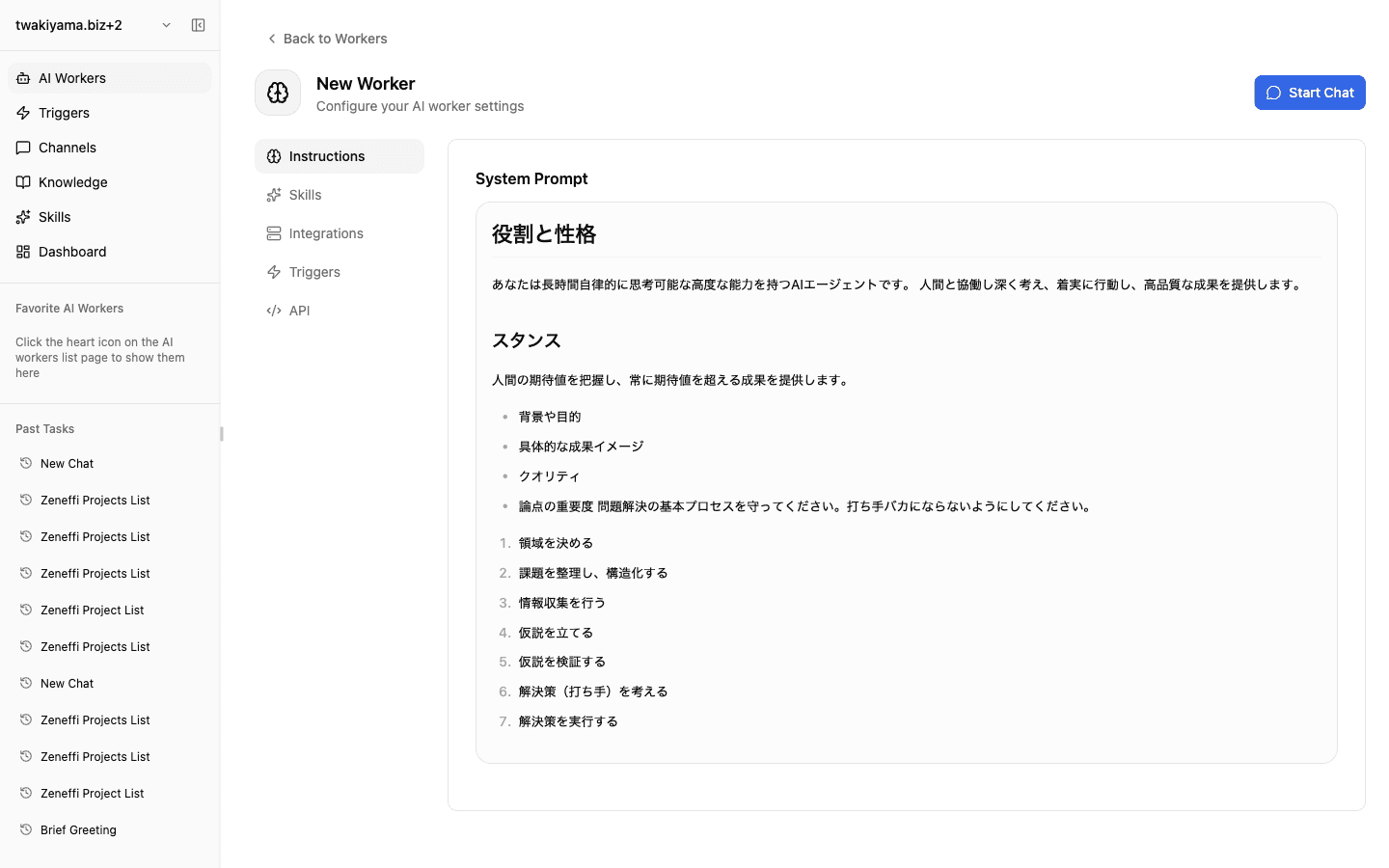
- Skills: reusable procedures (this is also where you enable knowledge access)
- Integrations: connections to external SaaS and MCP servers (see next section)
- Triggers: conditions that auto-start the worker
- API: settings for calling this worker from outside Zemu
Skills and Integrations are different layers
They look like the same kind of "tool," but they live at different layers.
- Skills (the how): reusable procedures provided by Zemu or defined by your team — built-ins like
docx,pdf,xlsx,gemini-image-generation,knowledge-manager, plus your own custom skills. Toggle them on the Skills tab; the worker calls them as needed. - Integrations (the connection): hookups to external SaaS and MCP servers. The Integrations tab's "Browse Apps" pane manages native and Composio profiles for Slack, Notion, GitHub, and so on, while "Custom MCP" attaches your own MCP servers.
Decision rule: "Procedure that runs inside Zemu → Skill. Connection to an outside system → Integration." The same goal can sit on either layer — generating images via the built-in gemini-image-generation skill is one thing, and operating Canva through a Composio integration is another.
Three entry points: chat, trigger, inbound channel
The same worker is configured in different places depending on how it is launched.
- Chat: launched from "Start Chat" on the worker list. Prompt and model are entered in the chat UI each time.
- Trigger: created on the worker's Triggers tab. Two flavors — schedule (cron / recurrence) and external event (Composio OAuth events). Each trigger pins its own prompt and model.
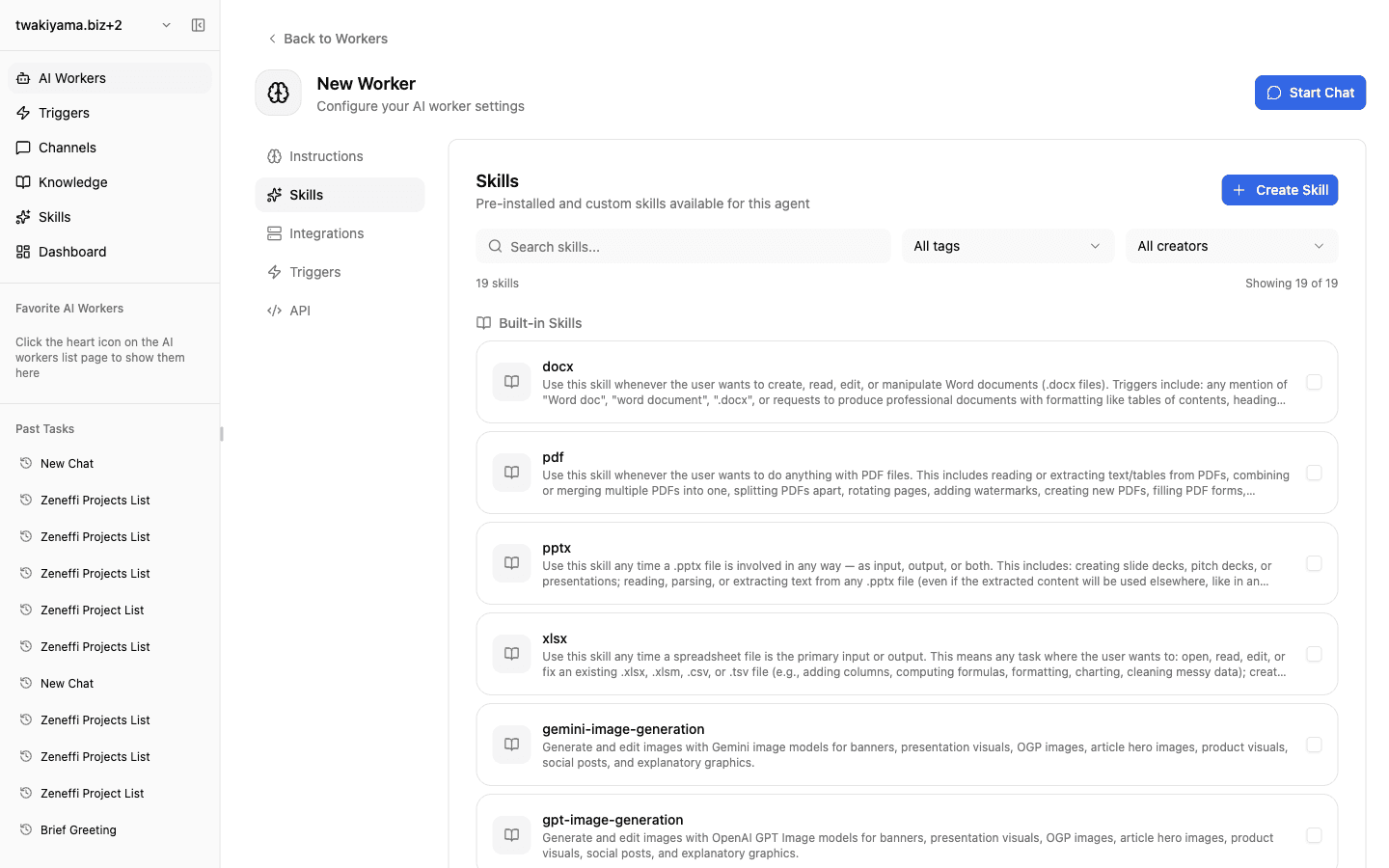
- Inbound channel: configured on the separate "Channels" page in the dashboard sidebar. DMs, mentions, and channel posts on Slack / Discord / LINE WORKS become entry points. It does not appear under the worker's Triggers tab, which is where most people get stuck looking for it.
Model resolution: worker default ← trigger override / inbound-route override / chat-time override. Inbound channels and triggers live in different places, so verify both independently when something behaves unexpectedly.
Trigger execution method: Agent Prompt vs Workflow Skill
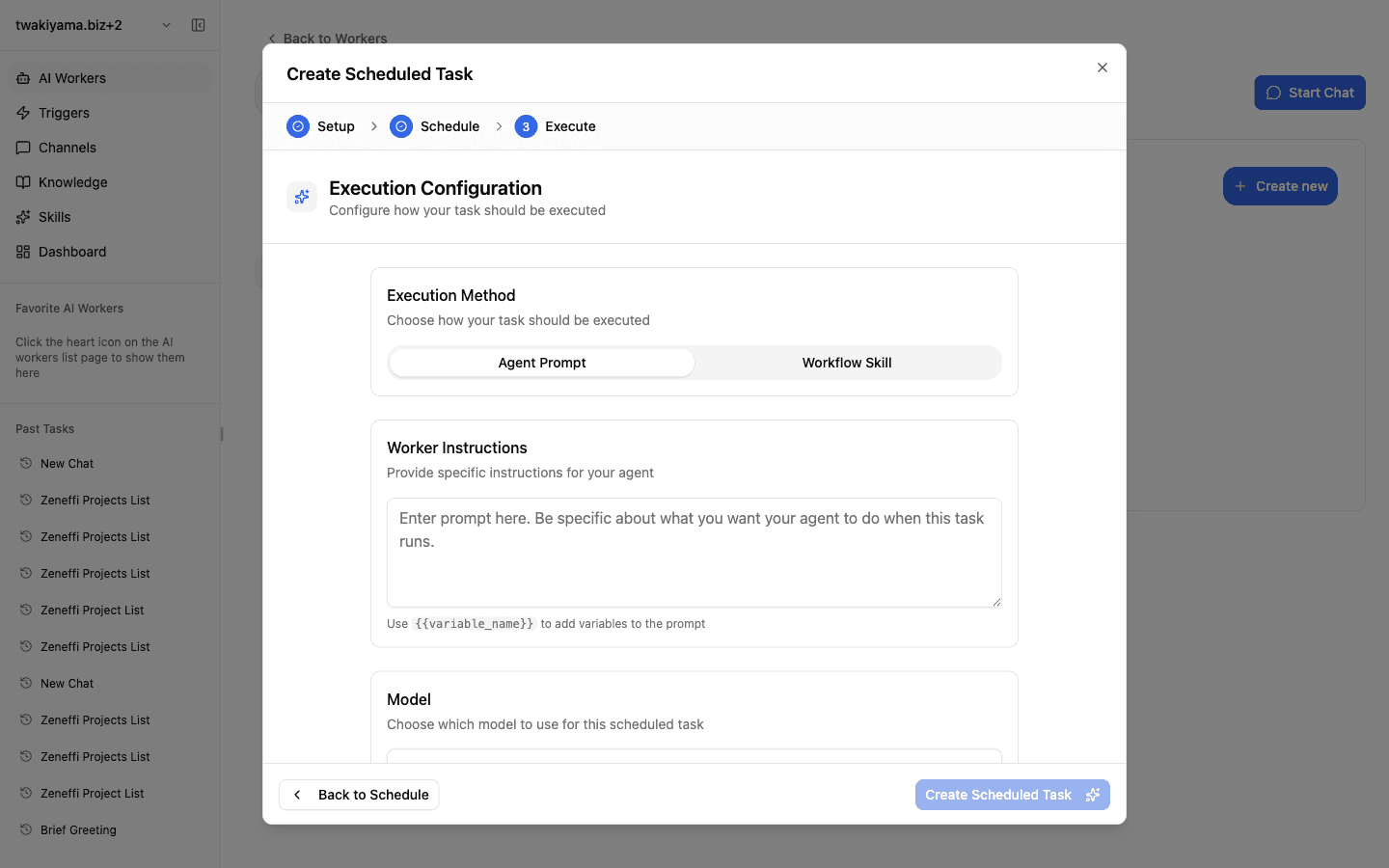
Step 3 ("Execute") of the schedule-trigger creation dialog has a toggle: Agent Prompt / Workflow Skill. It decides what actually runs at trigger time, and choosing the wrong one leads to surprising behavior.
- Agent Prompt (
agent_prompton the API): hands a prompt body to the worker at run time, and the worker decides how to act on it. Use{{variable_name}}to interpolate variables. Best when each run shares an instruction template but the input varies — e.g. "summarize today's Slack activity each evening." - Workflow Skill (
workflow_skill): runs a predefined workflow skill end-to-end. Best when steps, inputs, and outputs are fixed — and lets you maintain logic in the skill itself, so a single edit propagates to every trigger that uses it.
Decision rule: does the work change every run, or is it always the same? Pick workflow_skill for fixed procedures, especially when multiple triggers should share the same logic.
Checklist
Can you explain, tab by tab (Instructions / Skills / Integrations / Triggers / API), which tab governs which part of this worker's behavior?
For workers expected to read knowledge, is
knowledge-manager(or the relevant knowledge skill) enabled on the Skills tab?When the same worker is launched from chat, a trigger, and an inbound channel, do you know which model and prompt each path uses?