Back to release notes
v1.2.542026.10
AI Workers can operate apps on your computer, plus a simpler sidebar
v1.2.54 adds Computer Use to Zemu Desktop. AI Workers can launch apps, look at the screen, click, type Japanese, replace text, and save files for you. It is off by default and managed separately from browser control and recording permissions. You can stop it at any time with the stop key, important actions run only after you approve them, and screen images captured during operation are not saved to the conversation history.
Screenshots
Changes
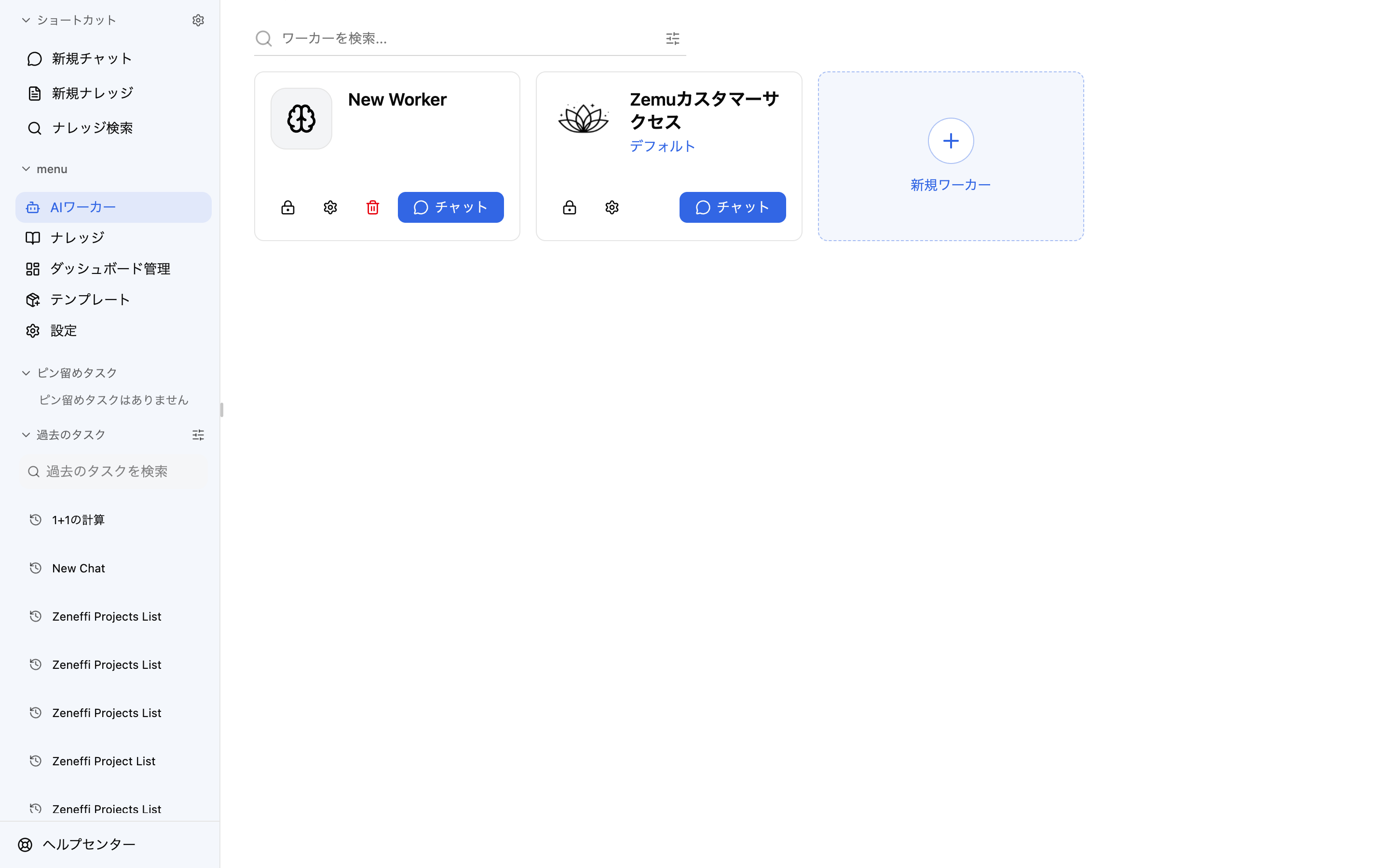
The sidebar is now consolidated into five items: AI Workers, Knowledge, Dashboard, Templates, and Settings. Skills, triggers, and channels are available under Settings, and old URLs and bookmarks automatically redirect to the new screens.
Deleting a skill from Worker settings now shows a confirmation dialog explaining that the change affects every Worker.