Back to release notes
v1.1.282026.05
Lightweight knowledge editing tools and auto-saved browser profiles
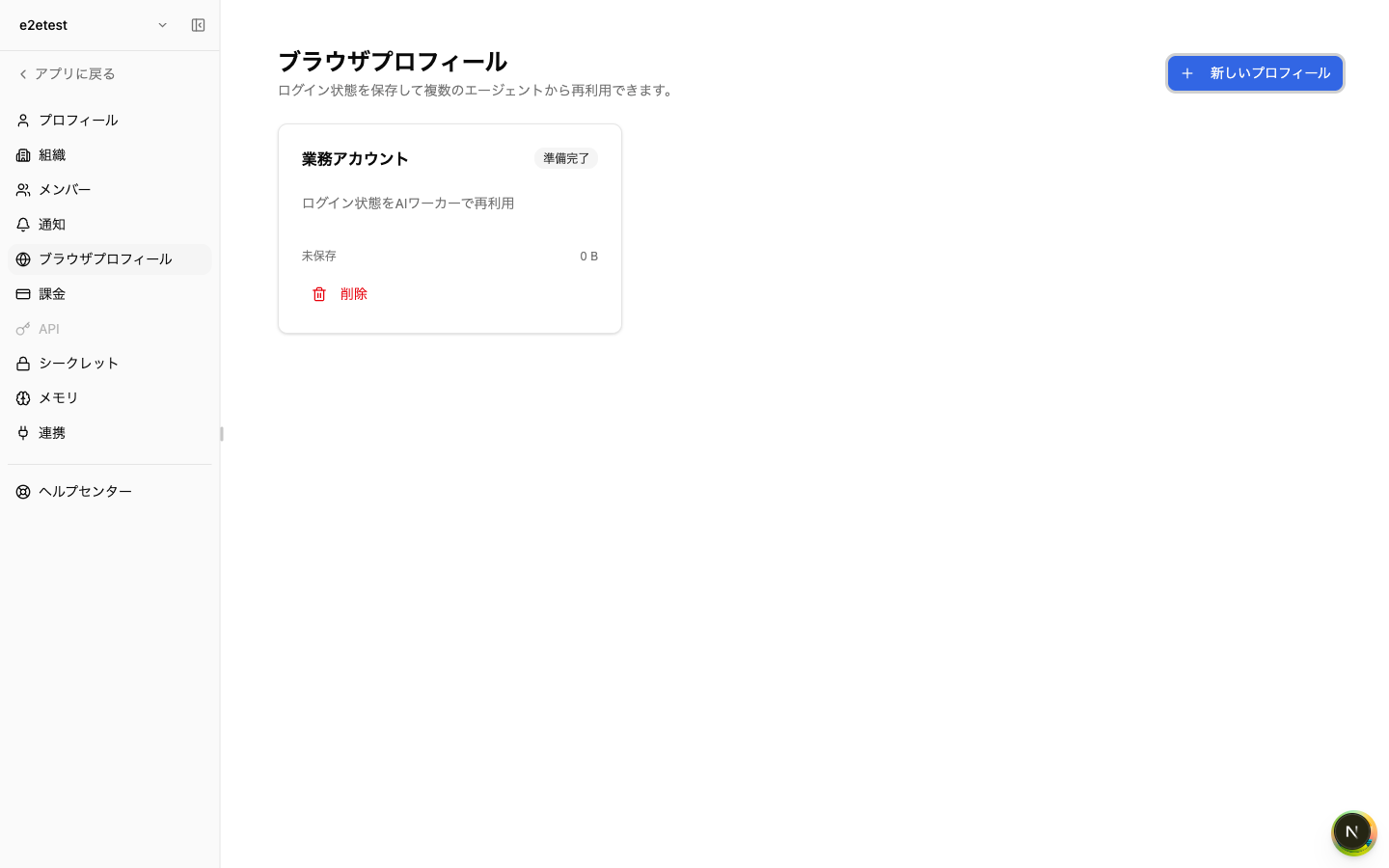
v1.1.28 lets AI agents append or partially replace knowledge page content without loading the entire page. Two operations are available — `knowledge_append` for appending to the end and `knowledge_replace` for replacing a specific section — so large knowledge pages can be updated quickly. In addition, browser-profile login sessions are now saved automatically, without having to press the "Save and close" button: simply sign in once before delegating to the AI, and subsequent runs will start from the same logged-in state. For Slack, when the same workspace is linked to multiple Zemu accounts, a single Slack message no longer fires multiple agents — when several candidates match, Zemu now sends a single disambiguation notice instead.
Screenshots
Changes
Added the `knowledge_append` and `knowledge_replace` lightweight knowledge editing tools so AI agents can append to or partially replace knowledge pages without loading them in full — making edits on large pages much faster.
Browser-profile login sessions are now auto-saved without needing to press "Save and close". Sign in once before delegating to the AI and subsequent runs start from that logged-in state.
When the same Slack workspace is linked to multiple Zemu accounts, a single Slack message no longer triggers multiple agents by mistake — Zemu now sends one disambiguation notice when several candidates match.