Back to release notes
v1.1.162026.05
Browser profiles and stronger knowledge permissions
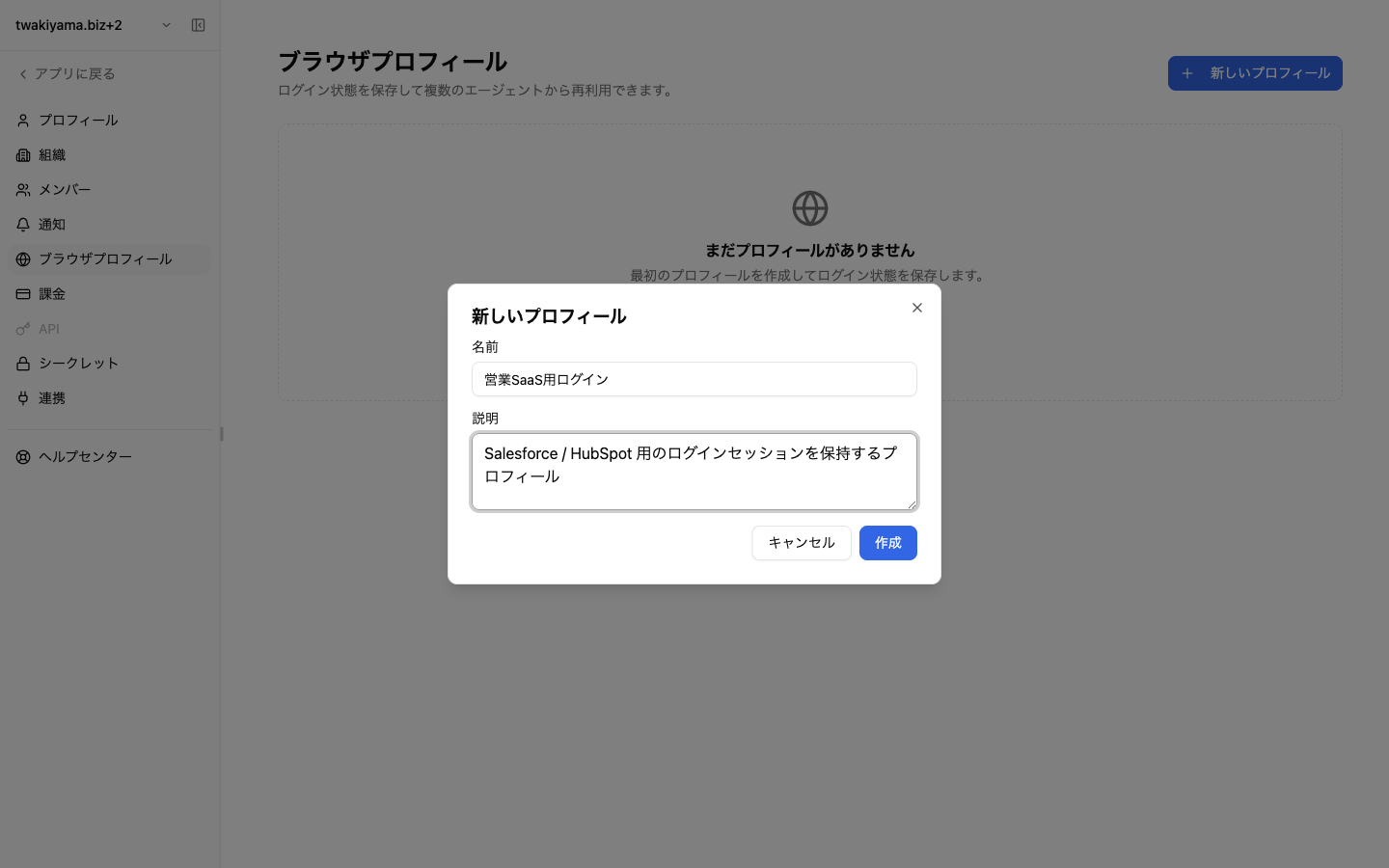
v1.1.16 lets you attach a browser profile to each AI worker so logged-in sessions and cookies are kept across runs, removing the need to sign in to SaaS tools each time. It also significantly expands knowledge permissions, with shareable links, view-only access, and explicit grants of knowledge access to AI workers. Finally, you can now hide past task threads from the sidebar to keep your workspace tidy.
Screenshots
Changes
Attach a browser profile to an AI worker to persist login state and cookies during browser tool runs. A new agent tool also lets workers list, create, and assign profiles themselves.
Knowledge permissions v2 adds shareable links, view-only access, and per-worker access grants so you can control exactly what each worker can read.
Past tasks can now be hidden from the sidebar, with the hidden state synced per account across tabs.